
For lacrosse families
Spring Season, Summer Tournaments, and Fall Ball.
Calendar Crew brings every lacrosse team your kids play on into one family calendar, whether the schedule comes from TeamSnap, a league website, or the coach's email. Each kid has their own color, overlapping games are flagged early, and every game has rides, RSVPs, and jobs ready to claim.
Built for Tournament Summers
Lacrosse tournaments can pack several games into a weekend at fields you have never been to. Calendar Crew keeps every game in one view, with an arrive-by time and directions to the right field.
- Tournaments, games, and practices, each labeled
- Overlaps between kids flagged before game day
- A What to Bring list on every game
Goals, Assists, Ground Balls, and Saves, Live
Tap Keep Score Live for lacrosse buttons that log goals, assists, ground balls, and saves for your player, with the score by quarter. Grandparents following along see it live.
Lacrosse
Common Questions.
Can I track ground balls?
Yes. Live scoring has Goal, Assist, GB (ground ball), and Save buttons for lacrosse. Stats save with each game and add up over the season.
Can I bring in a tournament schedule?
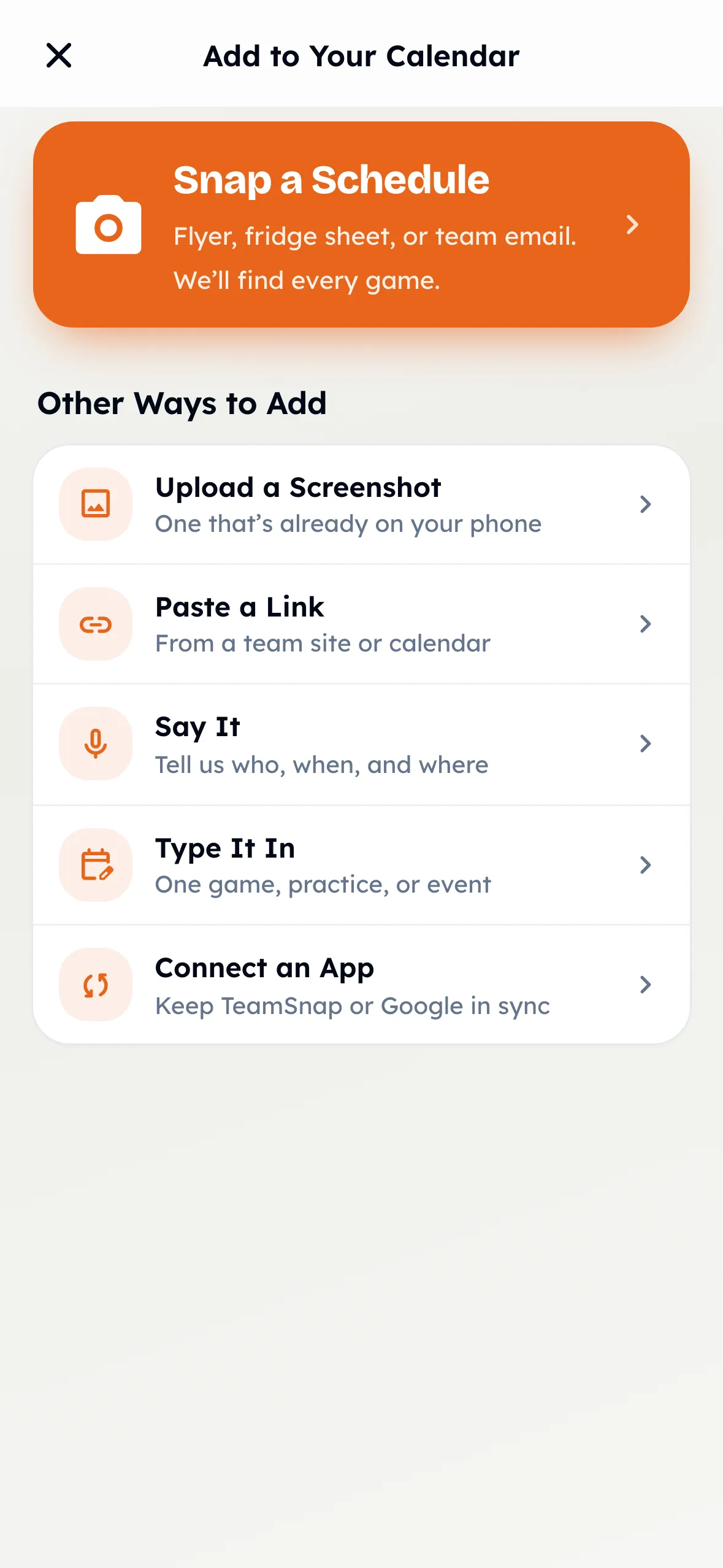
Yes. Take a photo or screenshot of the schedule, or paste a link to the tournament page. You check every game before it is added.
Does it work for boys’ and girls’ lacrosse?
Yes. Each team has its own name, level, and schedule.
Get Your Season on One Calendar.
Join the early-access list and we'll email you the moment a spot opens up.
Free while in early access. No credit card.