
Now in Early Access
One Calendar Instead of
Five Apps and a Group Text.
The family schedule for sports parents: every game, practice, and ride, on everyone's phone.
Free while in early access. No credit card.
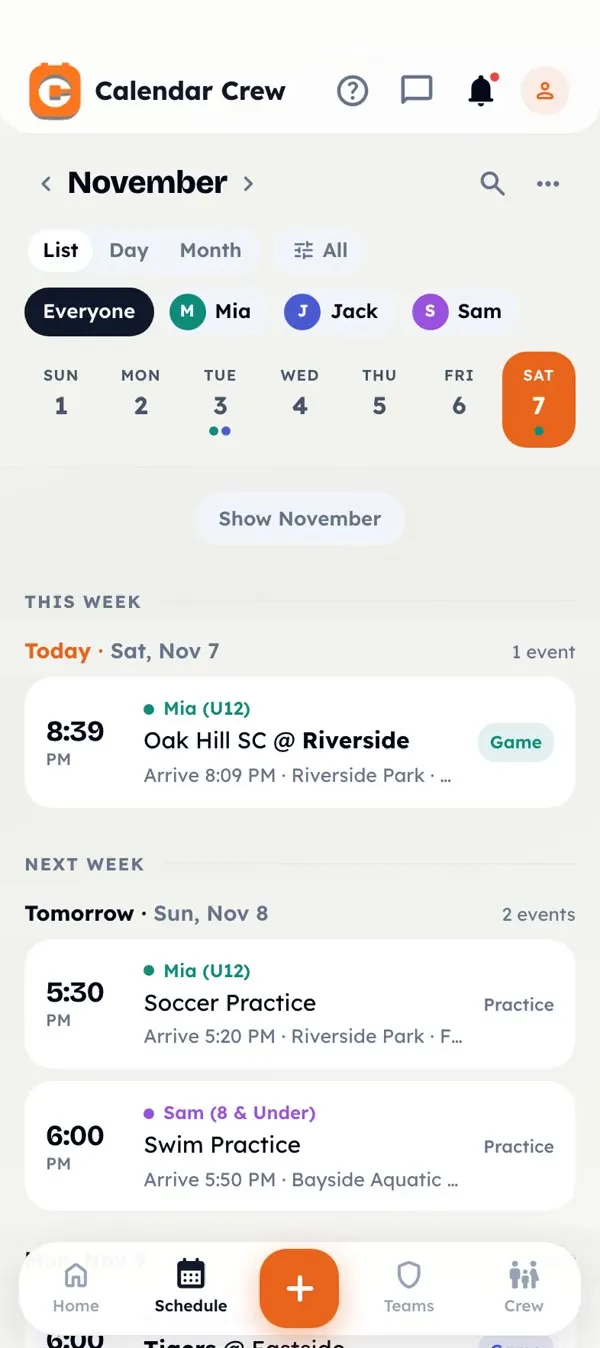
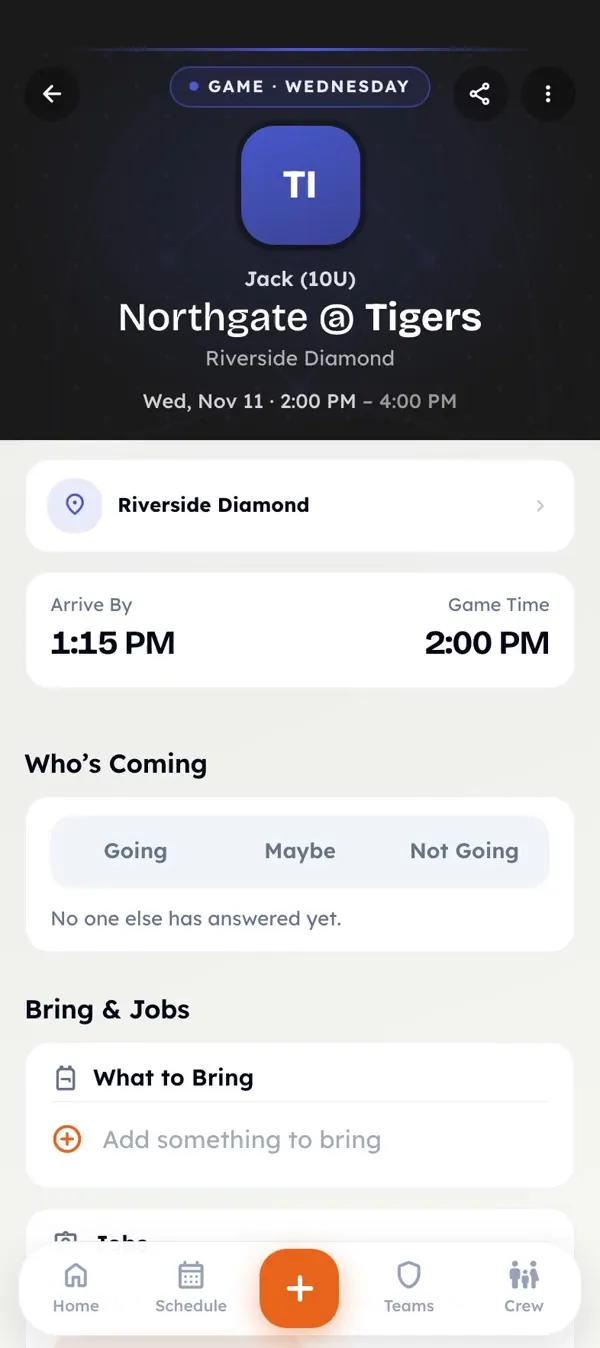
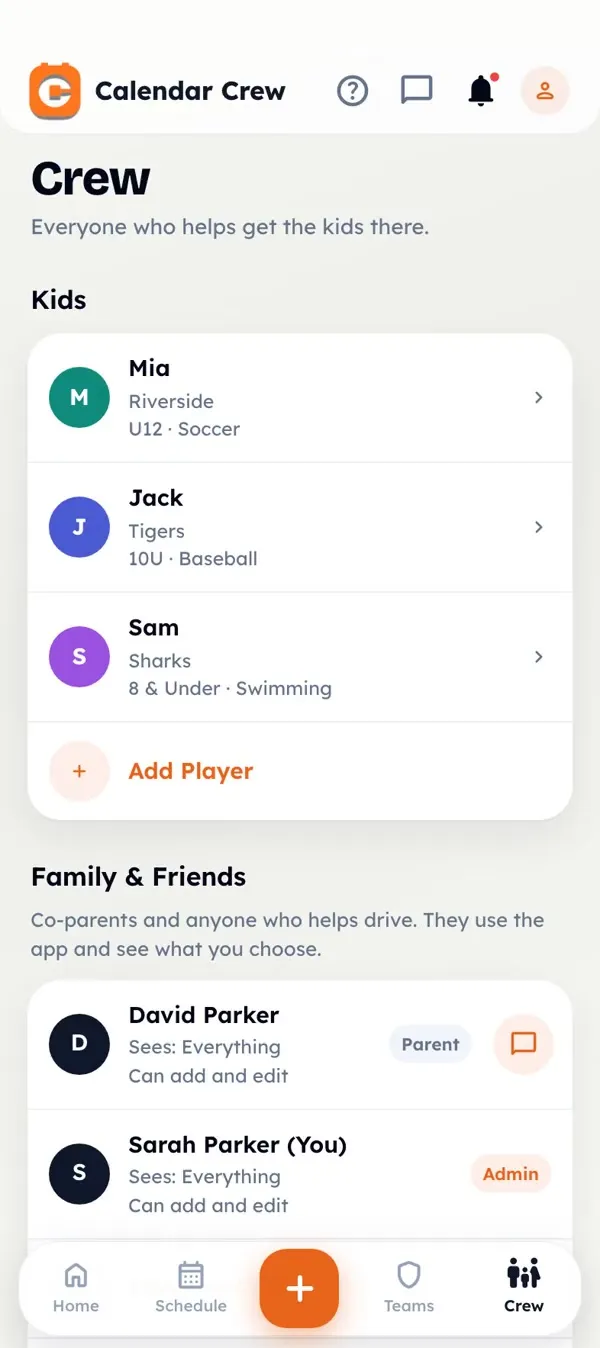

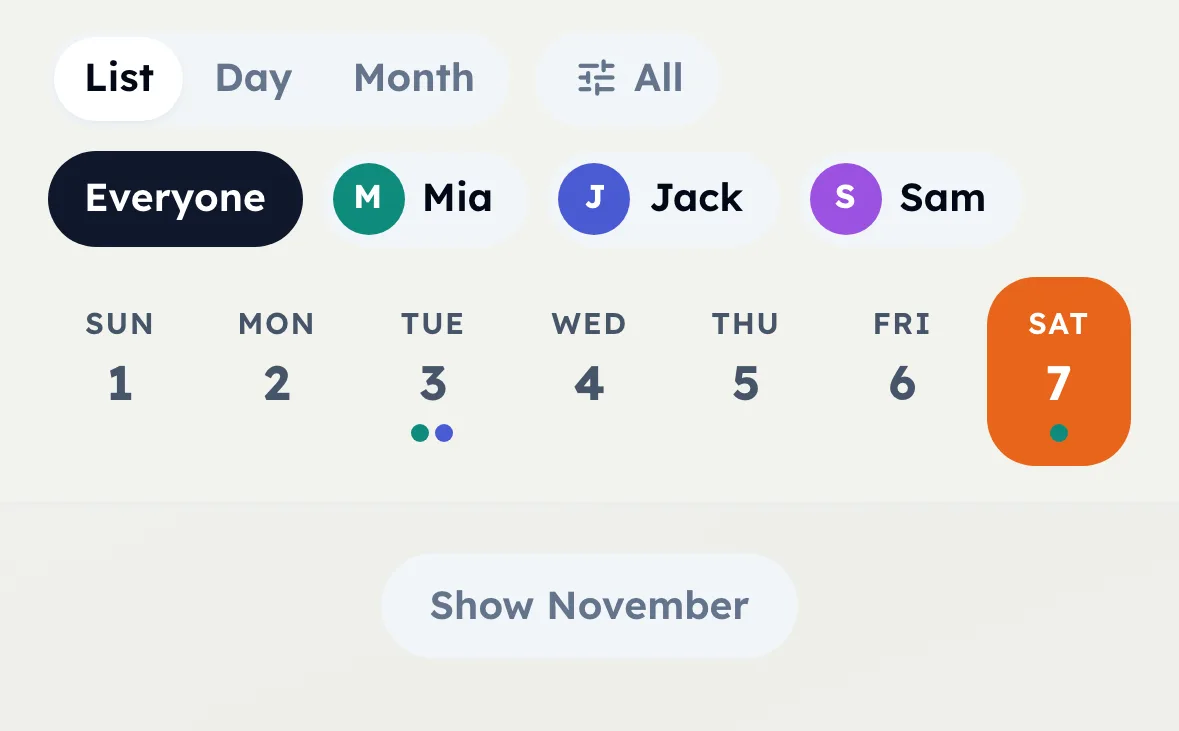
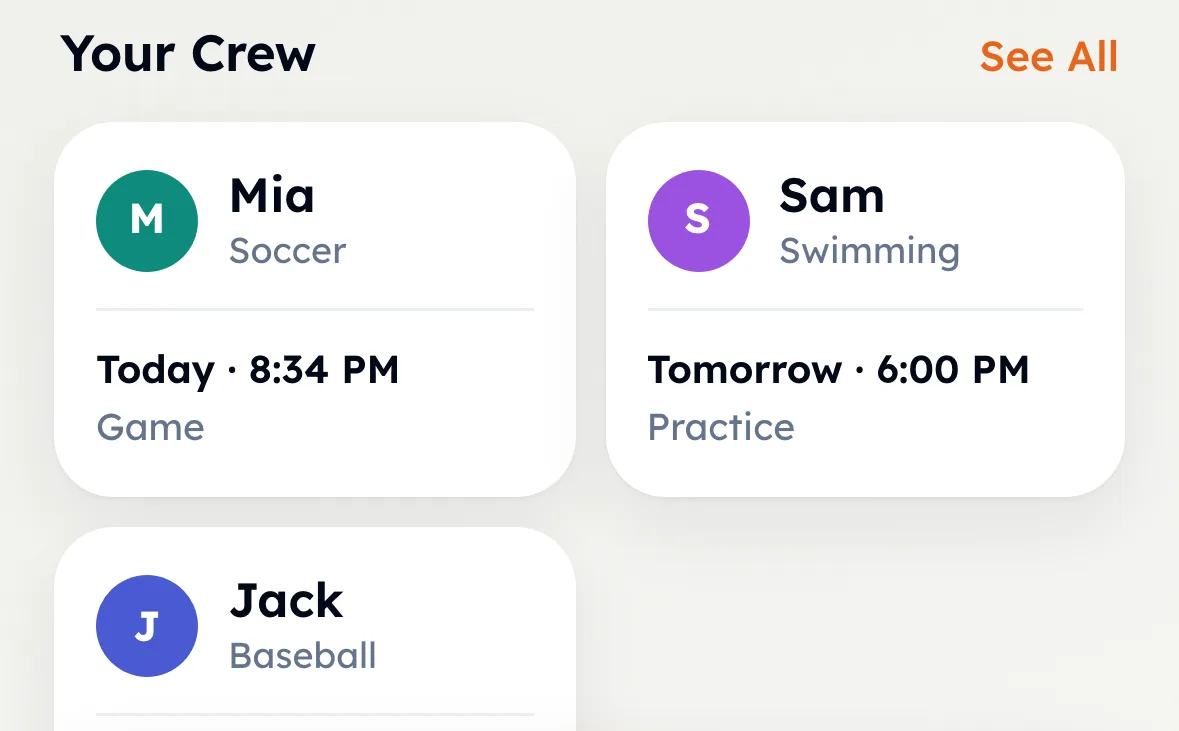
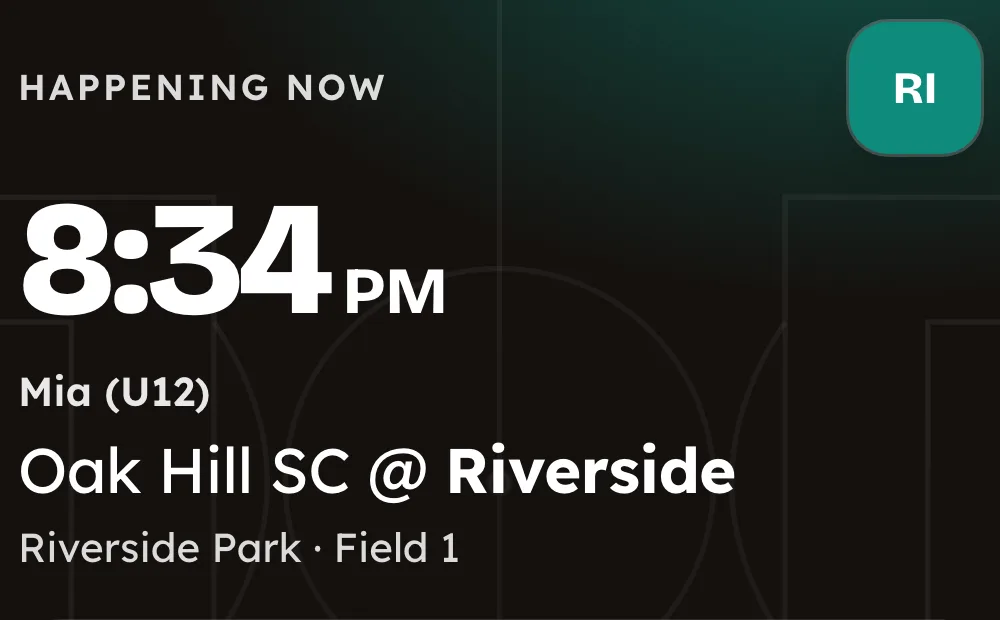
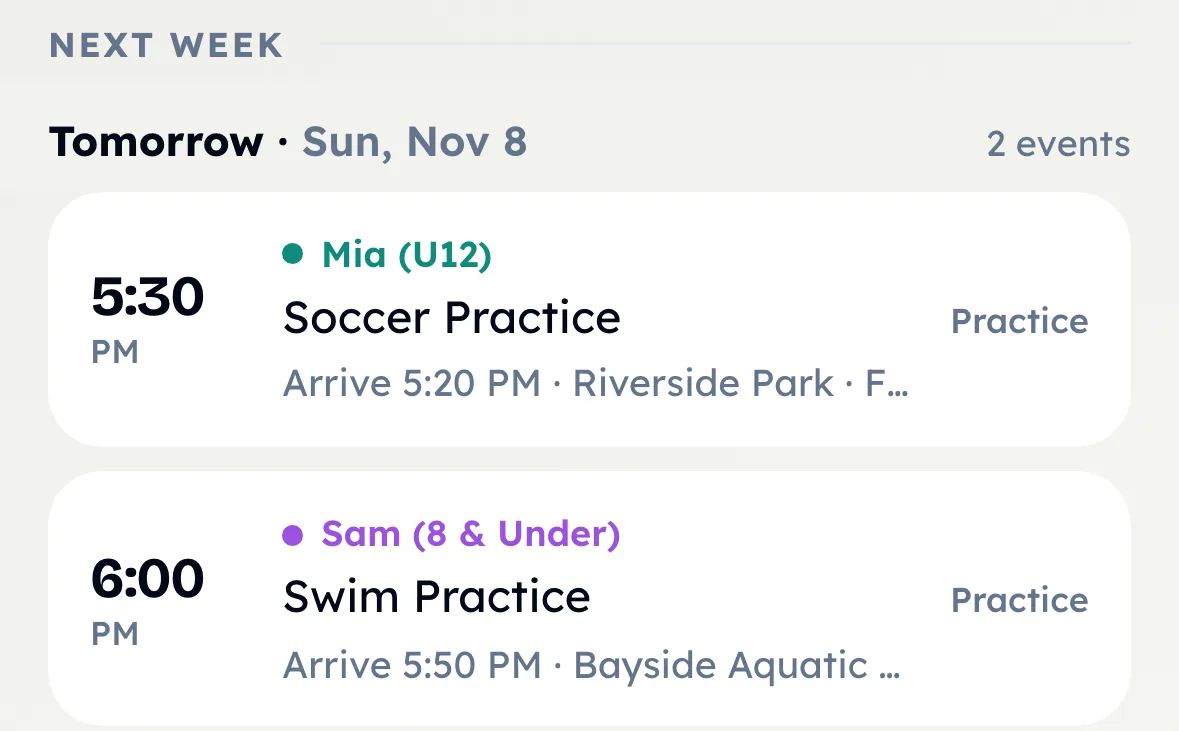

One calendar instead of the five you juggle today. It takes schedules from:
- Paper flyers
- Screenshots
- Team web pages
- Voice
- Google Calendar
- TeamSnap
- GameChanger
- Heja
- Any ICS feed
Import any schedule
Import a Season in Seconds, Not an Evening.
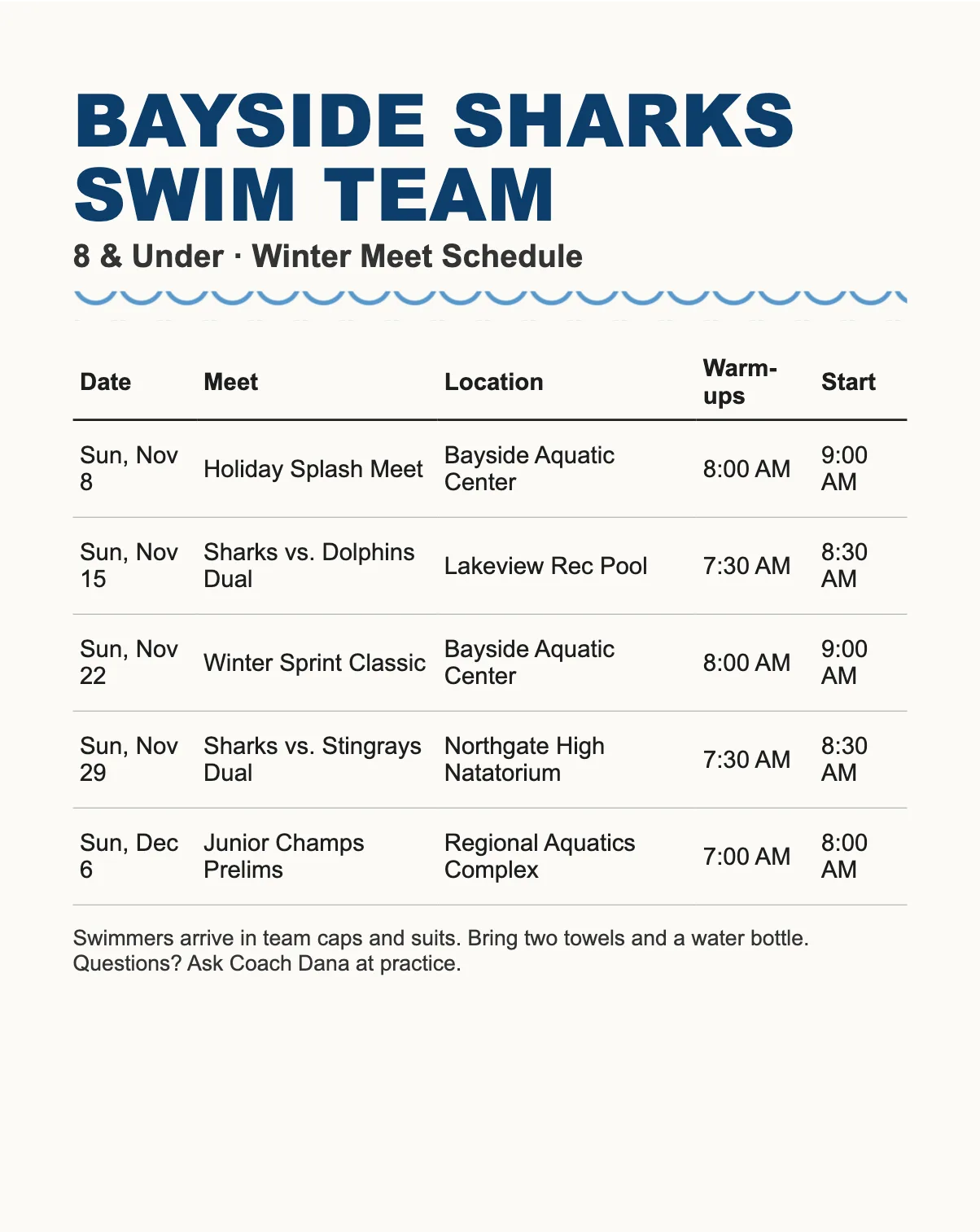
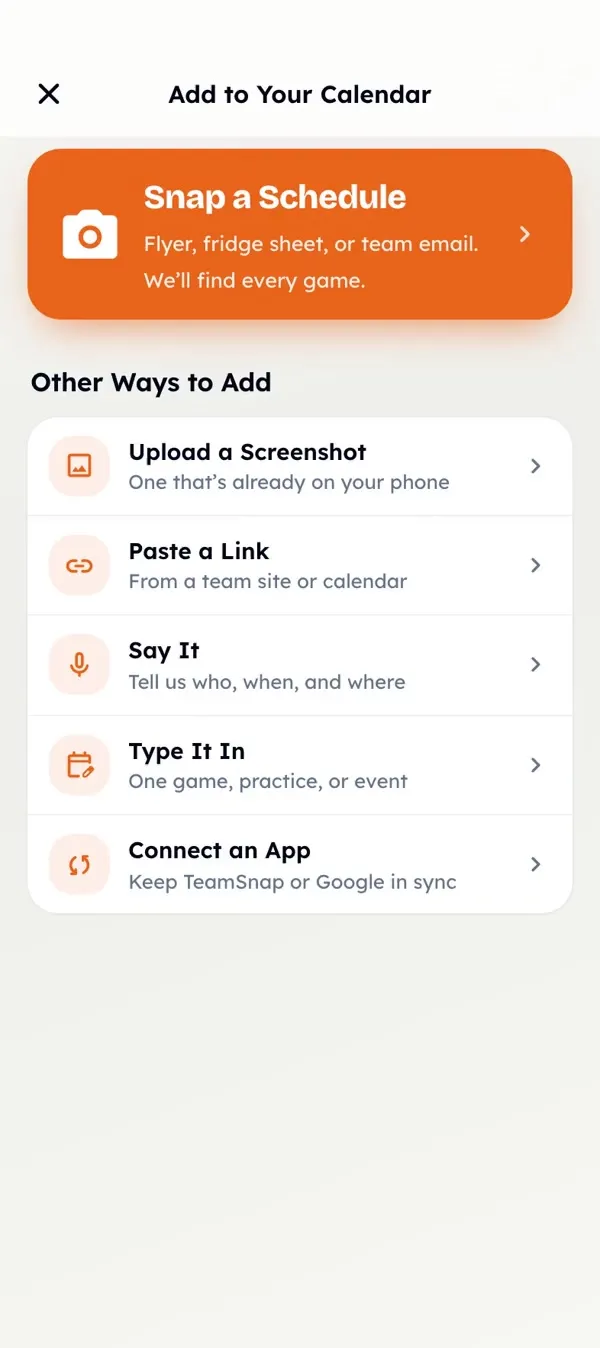
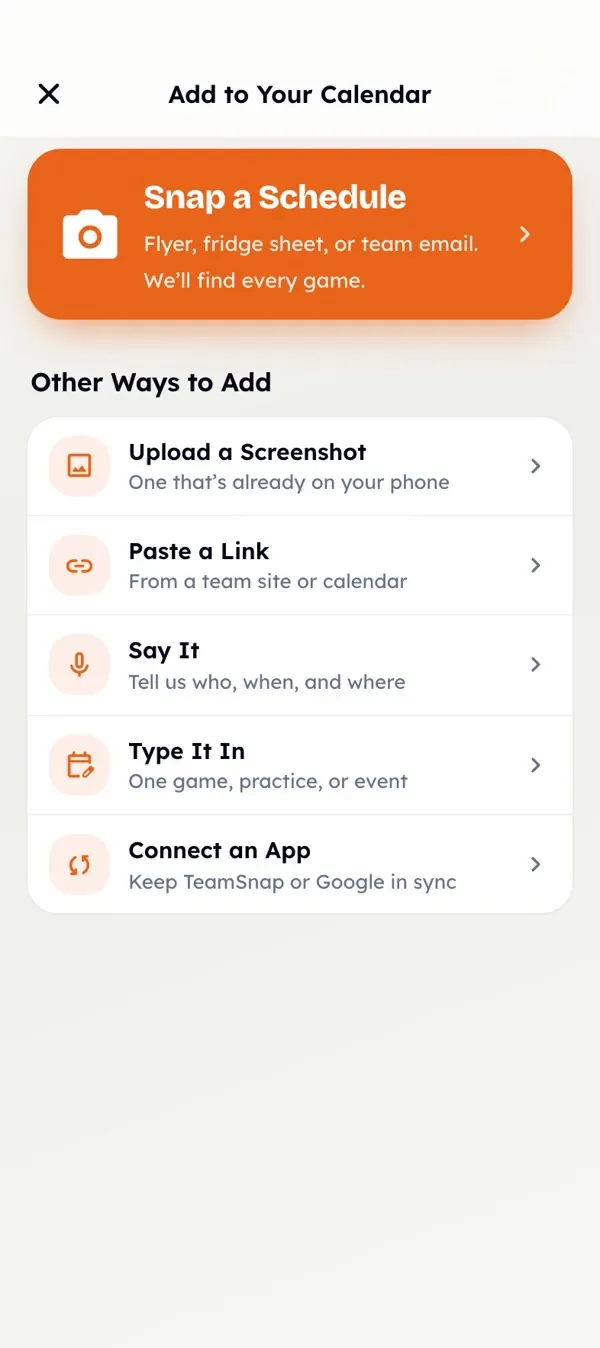
Snap a photo of the paper flyer, upload a screenshot of the coach's email, or paste a link to the team page. Calendar Crew reads the dates, times, and locations, then shows you exactly what it found so you can confirm before anything lands on your calendar.
- Paper flyers, screenshots, and team web pages, or just say it out loud
- You review every event before it is added — nothing is guessed silently
- Drive time and a leave-by time added to each event with a location
One family view
Every Kid, Every Team, One Color‑Coded Calendar.
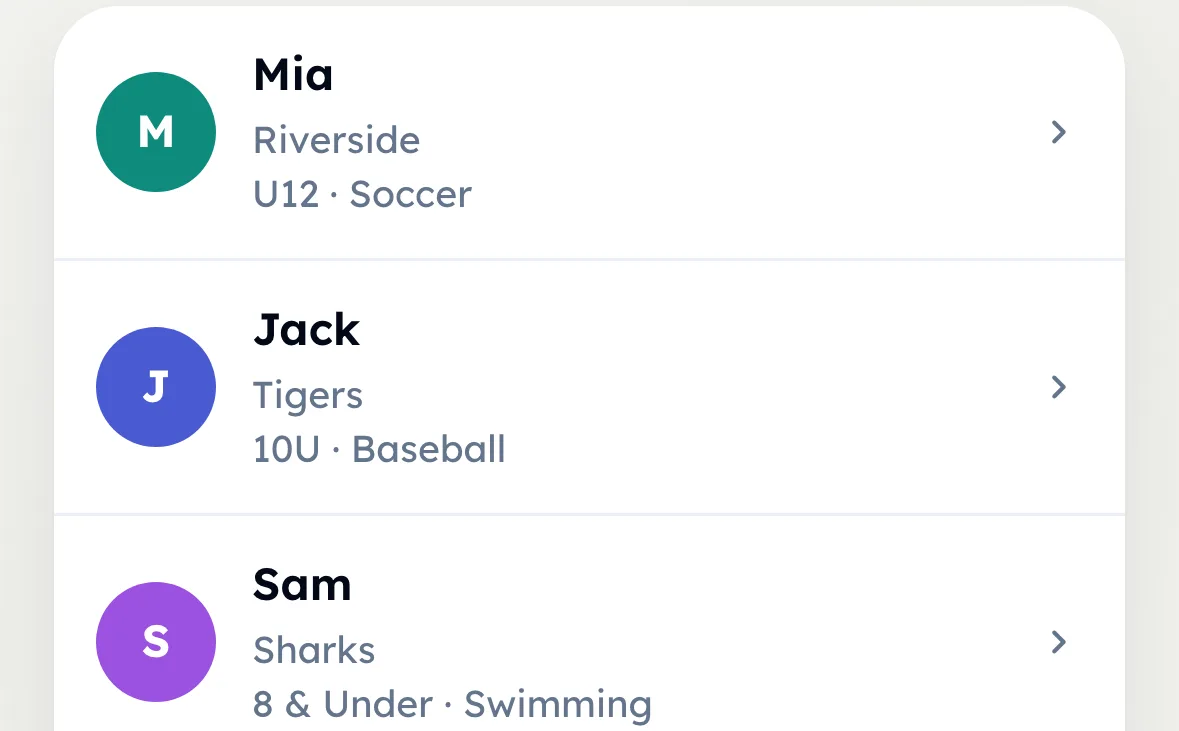
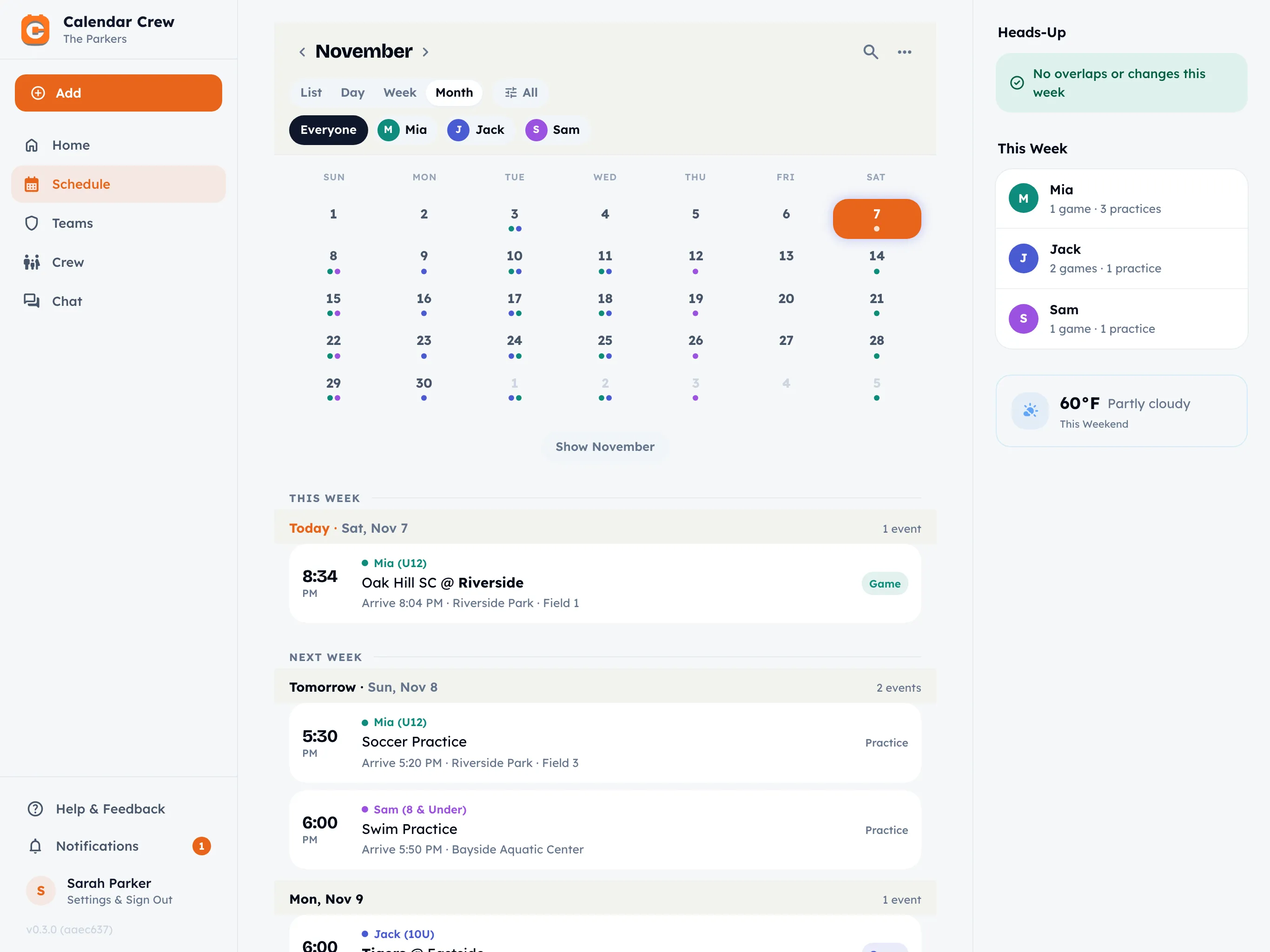
Each kid gets a color. Each team gets a badge, and it doesn't have to play a sport: theater, dance, music, and scouts fit right in. Open Calendar Crew and you can see the whole week at a glance — who is where, who is driving, and what still needs a plan. Two-way Google Calendar sync keeps it matched to the calendar you already live in.
- Two-way sync with Google Calendar — changes flow both directions
- Conflicts flagged before they become a Tuesday-night problem
- Day, week, and month views on any device
Share with your crew
Grandparents, Coaches, and Carpools — All on the Same Page.
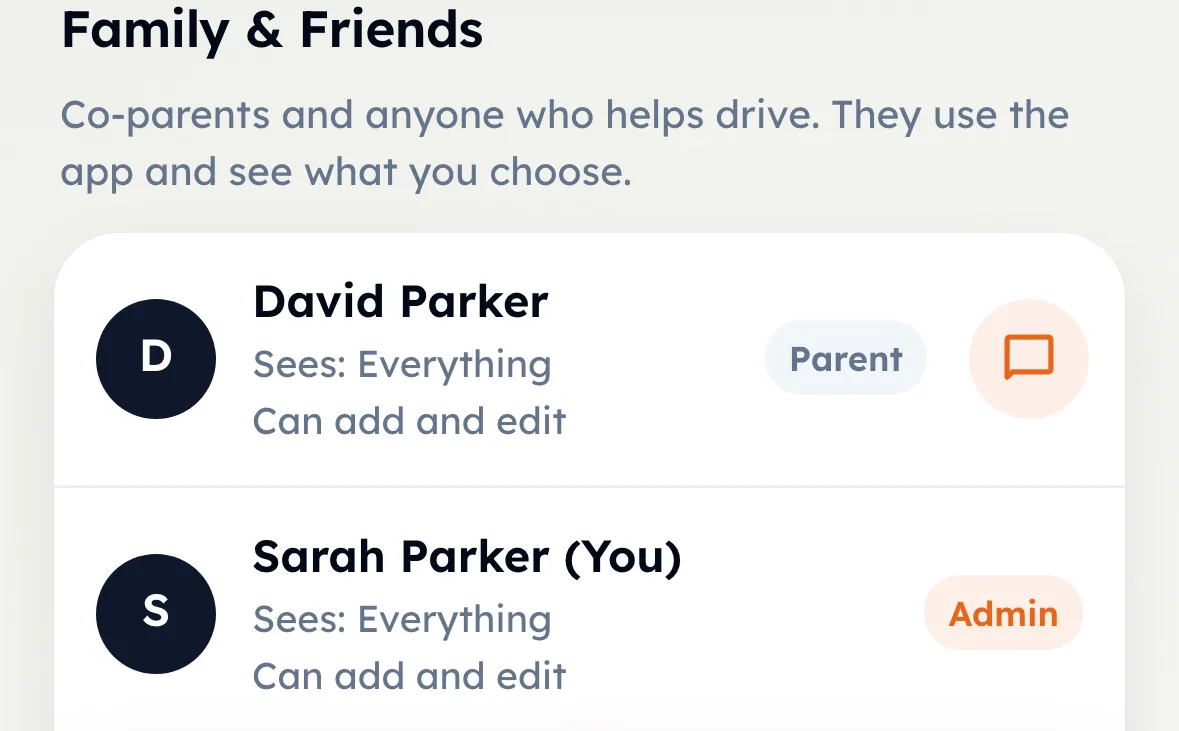
Invite the people who actually need the schedule and choose what each one sees. Grandparents get the games. The sitter sees only the kids you choose. The coach sees only their team. Nothing is broadcast to a public team feed, and no one has to be added to a group text.
- Grandparents get a private link: you pick the kids, and games, practices, or both
- Built-in family messaging, so plans stop living in group texts
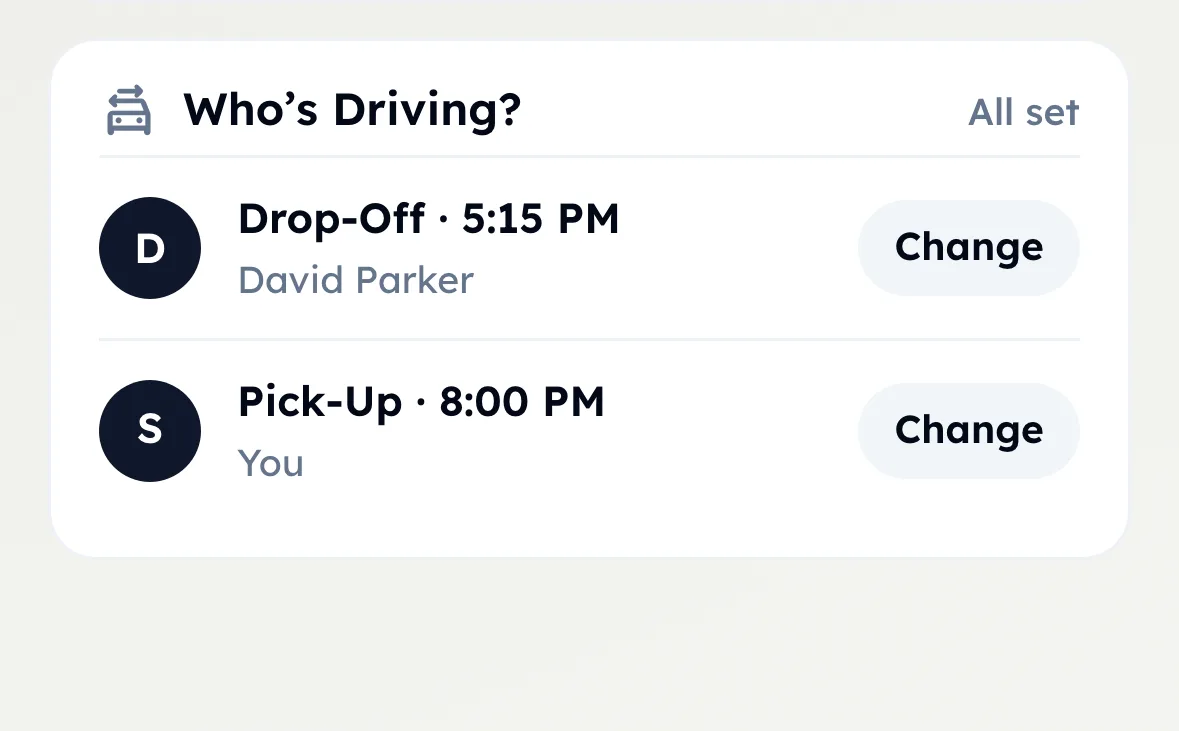
- Who's Driving on every event: drop-off and pick-up, settled in a tap



Features
Everything Else Your Sports Family Needs.
The calendar is the foundation. These are the pieces that keep the rest of the season from falling on one person.
Two-Way Google Calendar Sync
Changes in Calendar Crew show up in Google Calendar and vice versa. No copying events between apps.
Family Messaging
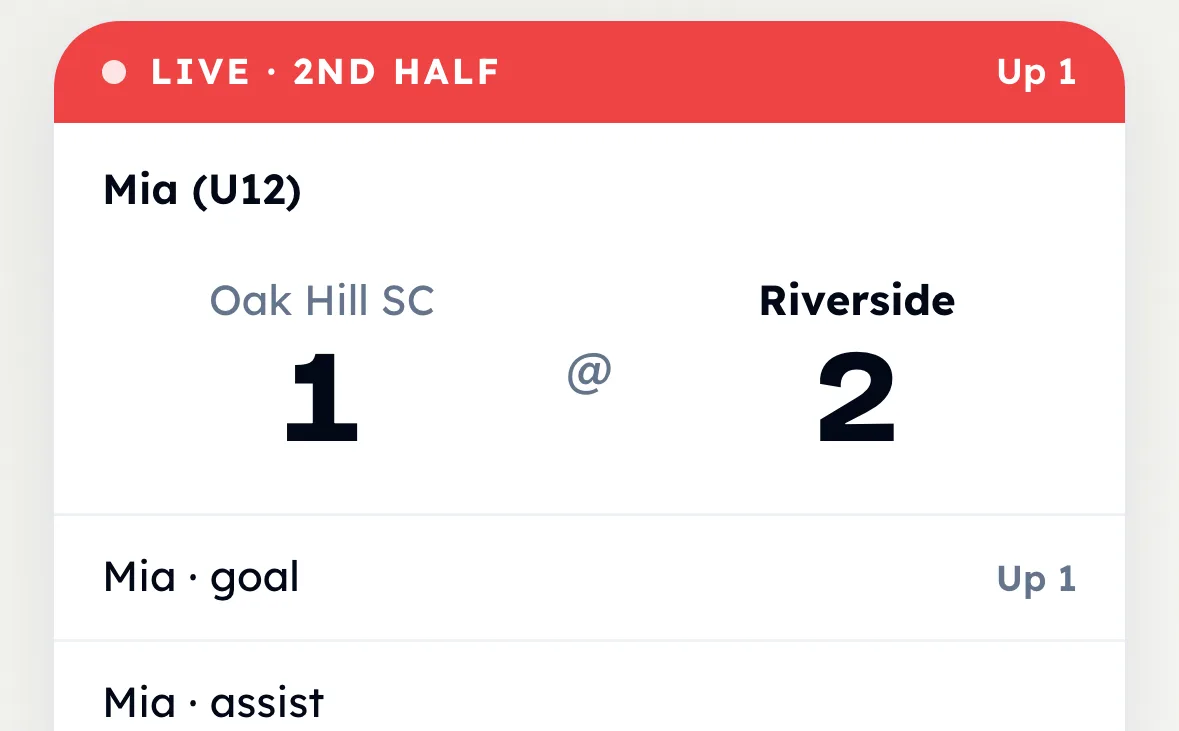
Ask "who has Mia Saturday?" right on the event, instead of starting another group text.
Time-to-Leave Alerts
Whoever is driving gets a nudge about 15 minutes before it is time to go, worked out from the real drive time.
Who's Driving
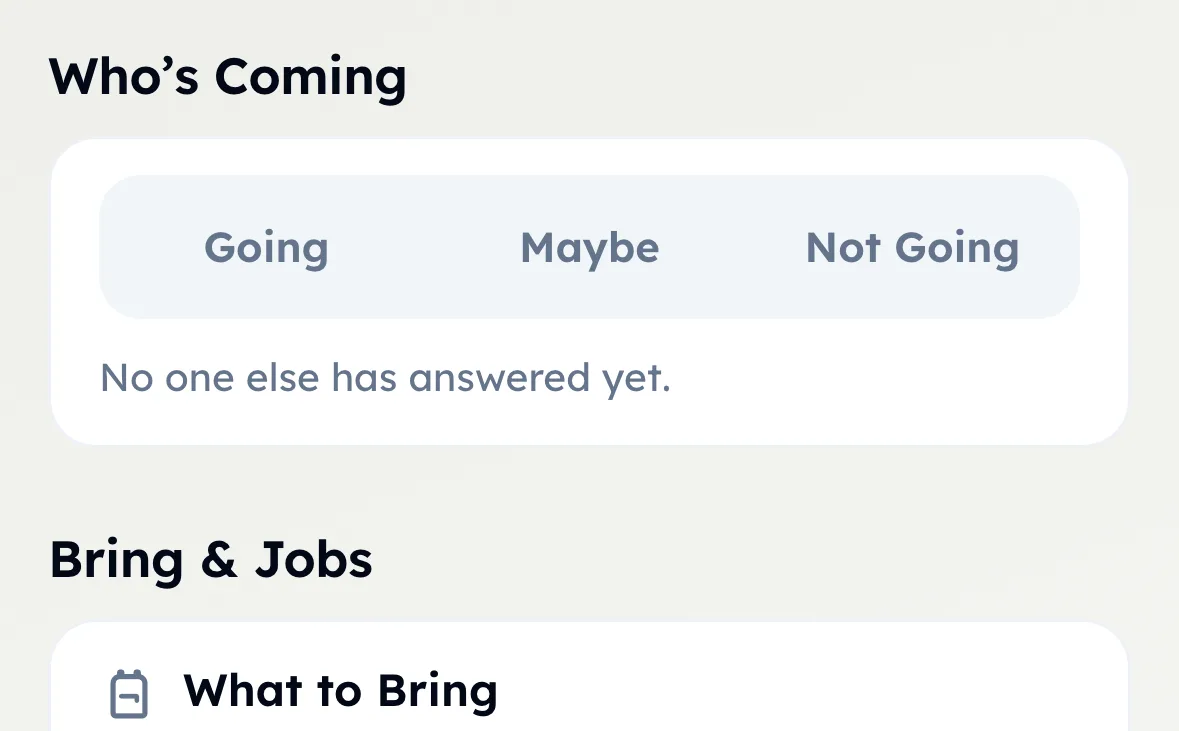
Drop-off and pick-up on every event. Claim a leg in one tap, and the whole crew sees who has it.
Team & Coach Invites
Send one link. Coaches post schedule changes; every family gets them.
What to Bring & Jobs
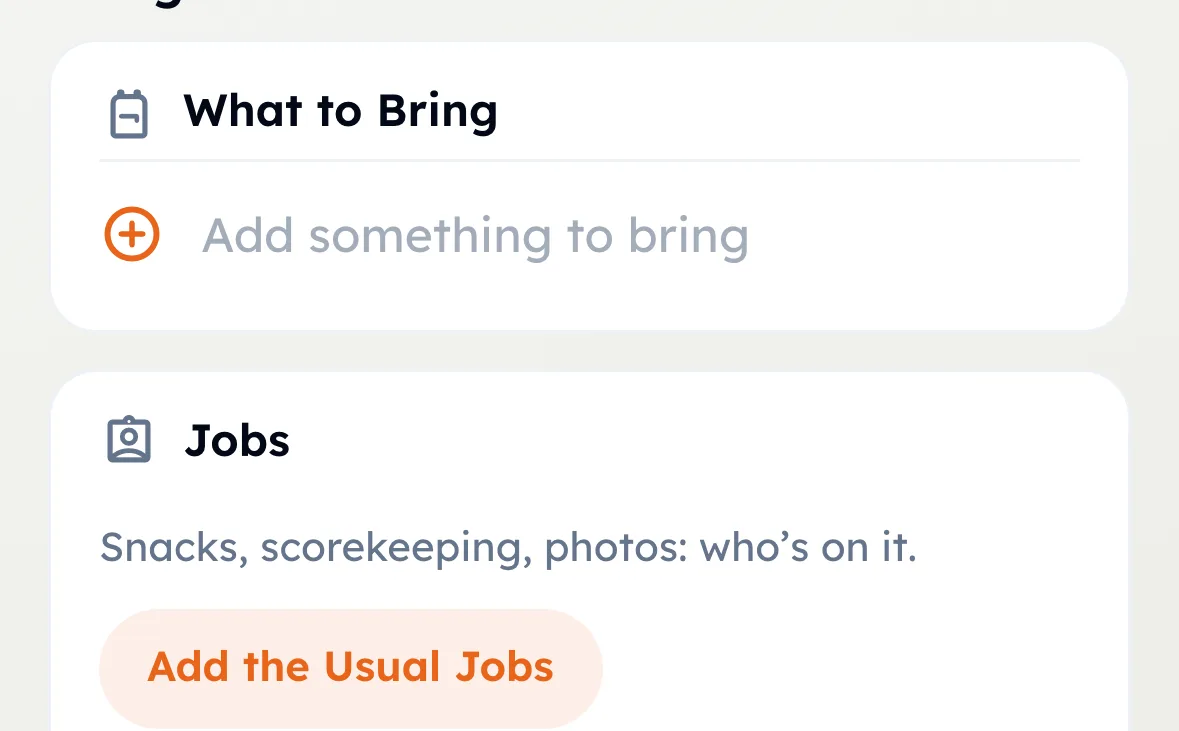
Cleats and water on the list, and who's on snacks, scorekeeping, and photos, right on the game.
See It Work
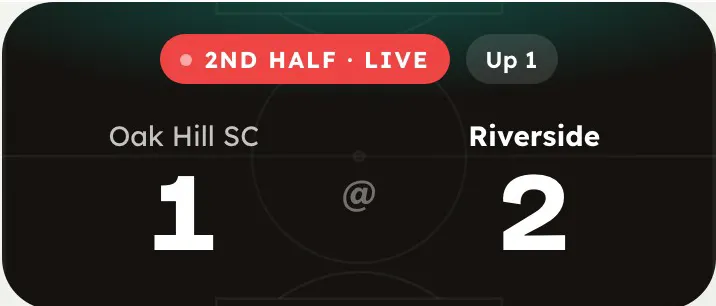
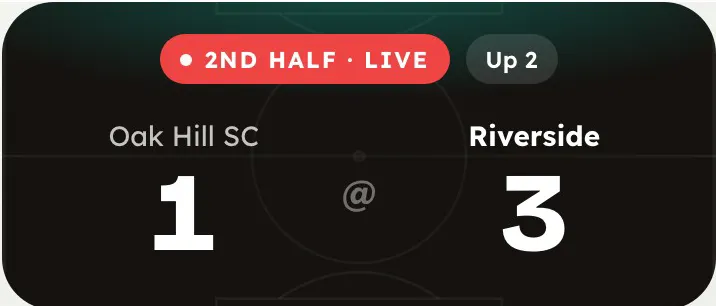
From the Flyer to the Final Score, in 30 Seconds.
A real recording of Calendar Crew, with a made-up family.
How it works
Set Up Once, When the Season Starts.
It takes one sitting at the start of the season. After that, a new schedule is a photo and a quick review, and connected calendars keep themselves current.
- 1
Add Your Schedules
Snap a flyer, upload a screenshot, paste a link, or connect TeamSnap and Google Calendar. Whatever form the schedule arrives in, it goes in.
- 2
Confirm What We Found
Review the dates, times, and locations we read. Fix anything that needs it. Then it lands on your family calendar, color-coded by kid.
- 3
Invite Your Crew
Add your co-parent, the grandparents, a coach, or a carpool partner — and pick what each of them can see.
Pricing
Free to Start. Crew Plus When You Need More.
Free for one or two teams. Crew Plus when your family's schedule gets busy. Followers are always free on every plan. Join early access and Crew Plus is free until launch, then $49 a year as a Founding Family.
Free
For one or two teams, with everything a season needs.
- Your family calendar, with no 30-day limit
- Up to 6 kids and 6 people in your crew
- Unlimited followers, always free
- Up to 2 teams in season, from TeamSnap, Google, or any calendar link
- 5 AI schedule imports a month
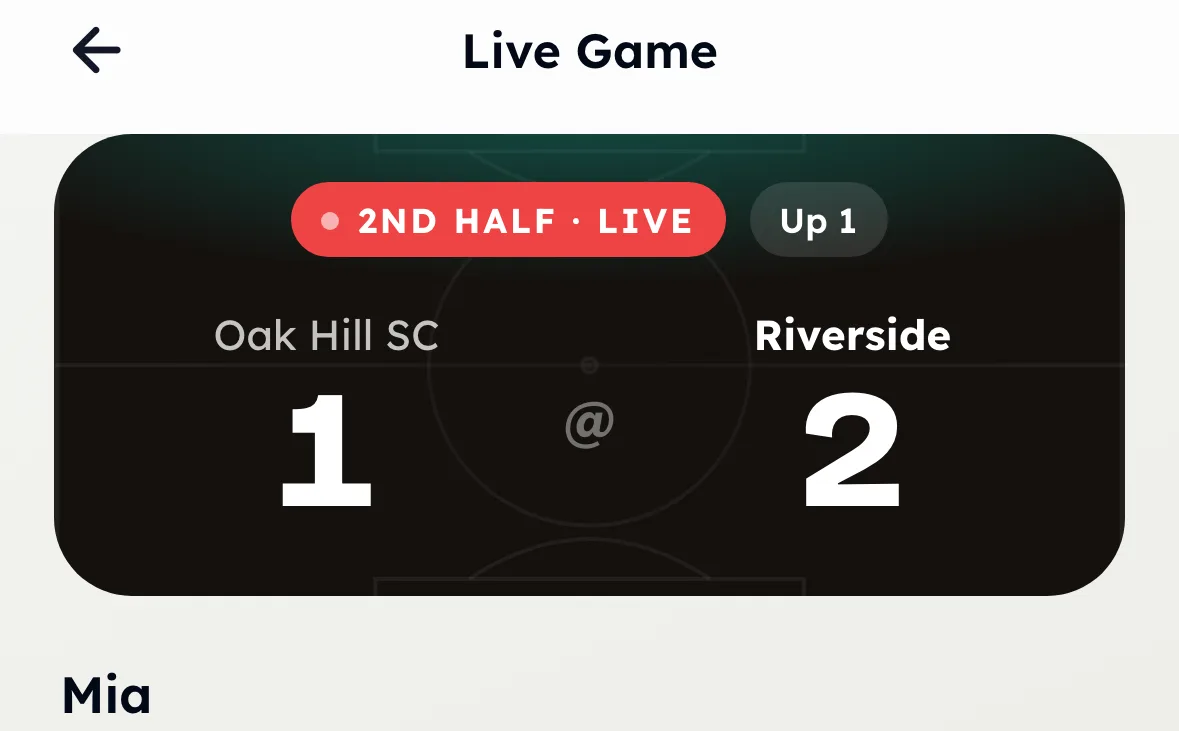
- Who's Driving, reminders, and live scoring
Crew Plus
For when your family's schedule gets busy: every team, every import, and the AI extras.
- Every team, not just two
- Up to 12 kids and 10 people in your crew
- Unlimited AI imports (fair use)
- Time To Leave alerts
- AI game recaps and weekly insights
- Videos in your game recaps
Founding Family: $49 a year
Join early access before launch and that's your price, kept for as long as you stay subscribed.
- No Ads, Ever
- Followers Always Free
- One Price Covers Your Whole Crew
- We Never Sell Your Family's Data
Calendar Crew is in early access. Join the list and we'll let you in as spots open — no card required. Compare plans in full.
FAQ
Questions Sports Parents Ask.
How do I get my kid's team schedule in without typing it?
Take a photo of the paper flyer, forward the coach's email, or paste a link to the team page. Calendar Crew reads the dates, times, and locations and shows you what it found, so you can confirm or fix anything before it lands on your calendar. A whole season goes in at once instead of one event at a time.
Does it sync with Google Calendar?
Yes, and it syncs both directions. Events you add in Calendar Crew appear in Google Calendar, and changes you make in Google Calendar flow back. You keep using whatever calendar app you already live in — Calendar Crew just makes sure the sports schedule is correct in all of them.
Can grandparents see the schedule?
Yes. Send them a private link and choose what it shows: which kids, and games, practices, or both. They don't need the app or an account, they can add the games to their own iPhone or Google calendar, and new games and time changes show up on their own. Anyone who has the link can open it, and you can turn it off at any time. Nothing is posted to a public team feed.
Is it only for sports?
No. Theater, dance, music, and scouts go in the same family calendar as every game and practice, each kid in their own color, with rehearsals, performances, auditions, and call times worded the way those groups use them. Rides, What to Bring, and Grandma's private link work the same; live scoring and game recaps are for sports only.
Does it work at the field with no signal?
Yes. Calendar Crew keeps your family's schedule and your next games on your phone each time you open it, so with no connection you still see the time, arrive-by, address, and field. A note shows how fresh it is, and the latest loads when you're back online.
What if the AI reads the schedule wrong?
Nothing is added to your calendar until you confirm it. Calendar Crew shows every event it found — date, time, and location — and you approve, edit, or discard each one. That review step exists specifically so a misread game time never becomes a missed game.
How many kids can I add?
Free covers up to six kids and six people in your crew, and Crew Plus up to 12 kids and 10 people. Teen accounts and followers never count, and followers are always free. Free also covers two teams in season and five AI imports a month; Crew Plus makes both unlimited for $79 a year or $9.99 a month, or $49 a year for families who join early access before launch.
Do coaches and team managers need an account?
A coach can be invited to a Crew like anyone else and post schedule changes that reach every family at once. They only see the team you invited them to — never your family's other kids, sports, or personal events.
Does it work with TeamSnap, GameChanger, or Heja?
Yes. Calendar Crew sits on top of whatever your league or coach already uses. You can import from those apps, subscribe to an ICS feed, or just snap a screenshot of the schedule they publish. You don't have to convince your team to switch.
When can I start using it?
Calendar Crew is in early access right now. Join the list and we'll email you when a spot opens — there's no card required to get on it.
Get Your Season on One Calendar.
Join the early-access list and we'll email you the moment a spot opens up.
Free while in early access. No credit card.