
For family and friends
Cheer for Every Kid You Love.
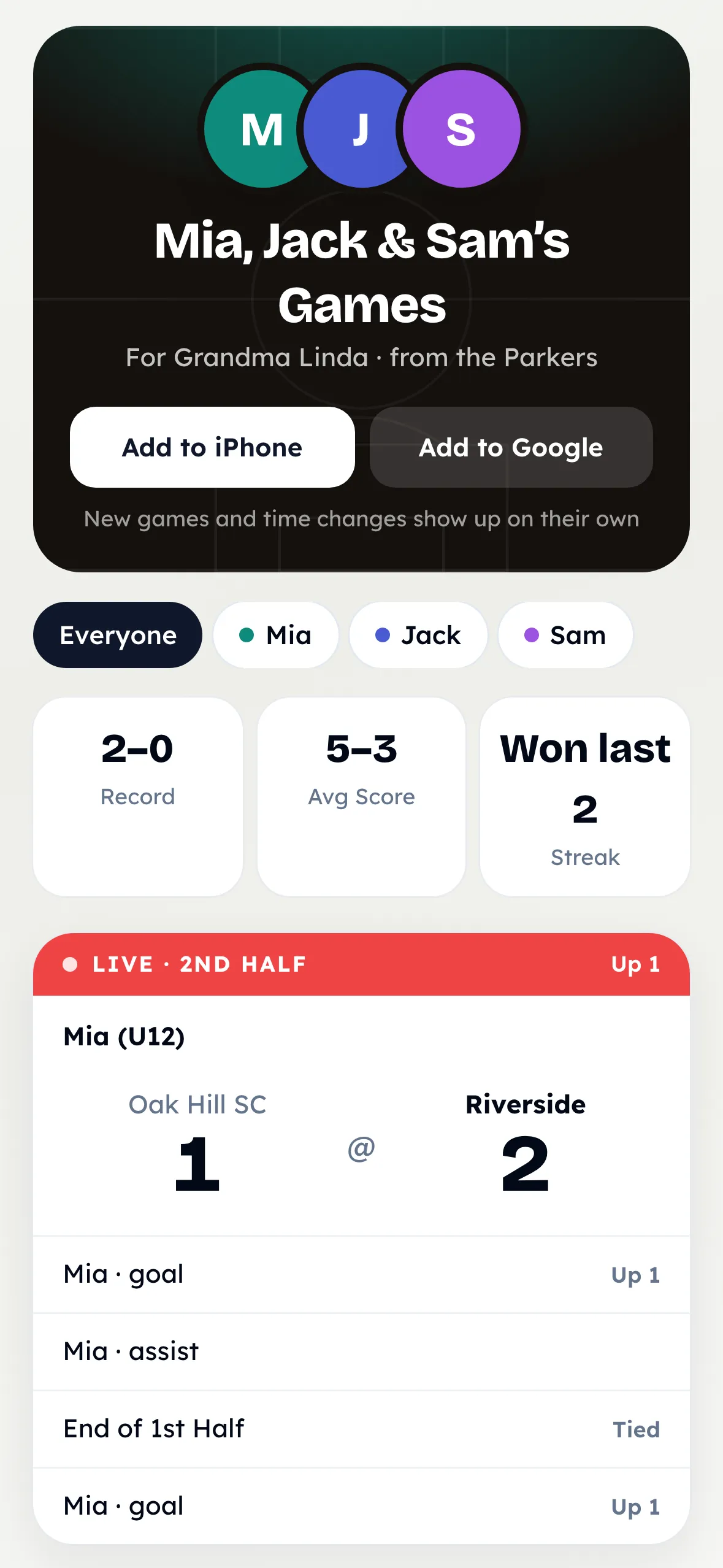
Aunts, uncles, cousins, and family friends can follow the kids they cheer for in Calendar Crew. Follow along by a private link from the parents, with no app or account, or add the kids you cheer for in the app to see every game and say whether you're coming.
How It Works
- 1
Get a Link, or Join
The parents send you a private link, or you add the kids you cheer for in the app.
- 2
See Every Game
The next game, the ones after it, and recent scores, kept up to date for you.
- 3
Show Up
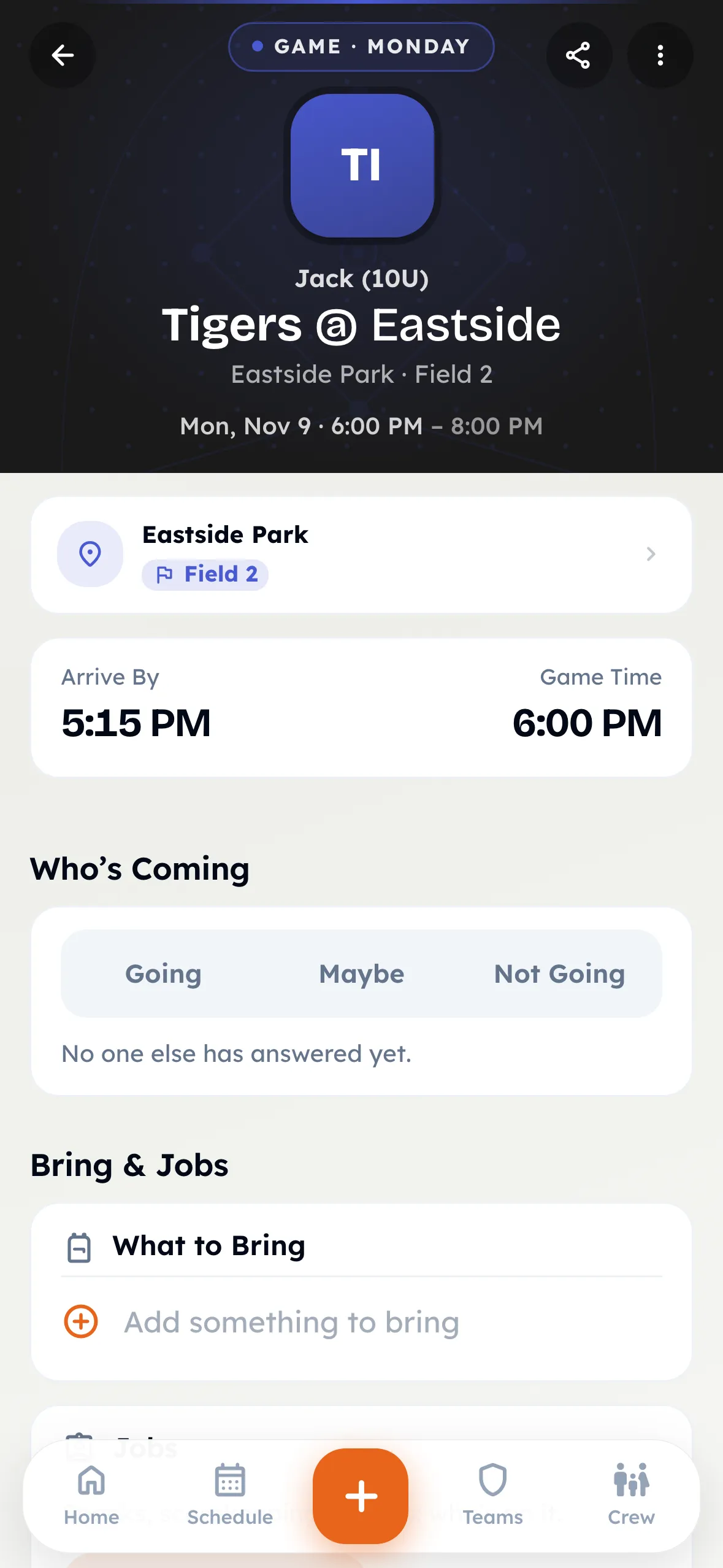
Tap Going, and the parents know you'll be in the stands.
Two Ways to Follow
A private link is the easy way: it shows the games the parents choose and adds them to your iPhone or Google calendar. In the app, add the kids you cheer for as a niece or nephew, a cousin, a grandchild, or a friend’s kid, and see every game and who is coming.
- No account needed to follow a link
- Live scores while the game is being played
- Rides and jobs stay with the kid’s parents
Lend a Hand With Rides
When the parents need help, they can put you on a drive just this once. That game shows up on your link with the address, so you know exactly where to go.
Family and Friends
Common Questions.
Do I need an account?
Not to follow a link. If you want to add the kids you cheer for and say whether you’re coming, you can make a free account.
What can I see?
What the parents choose: which kids, and games, practices, or both. In the app you see every game and who is coming.
Does it cost anything?
No. Following a link is free, and so is the app’s free plan.
Get Your Season on One Calendar.
Join the early-access list and we'll email you the moment a spot opens up.
Free while in early access. No credit card.