
Share with your crew
Everyone Who Helps, on the Same Page.
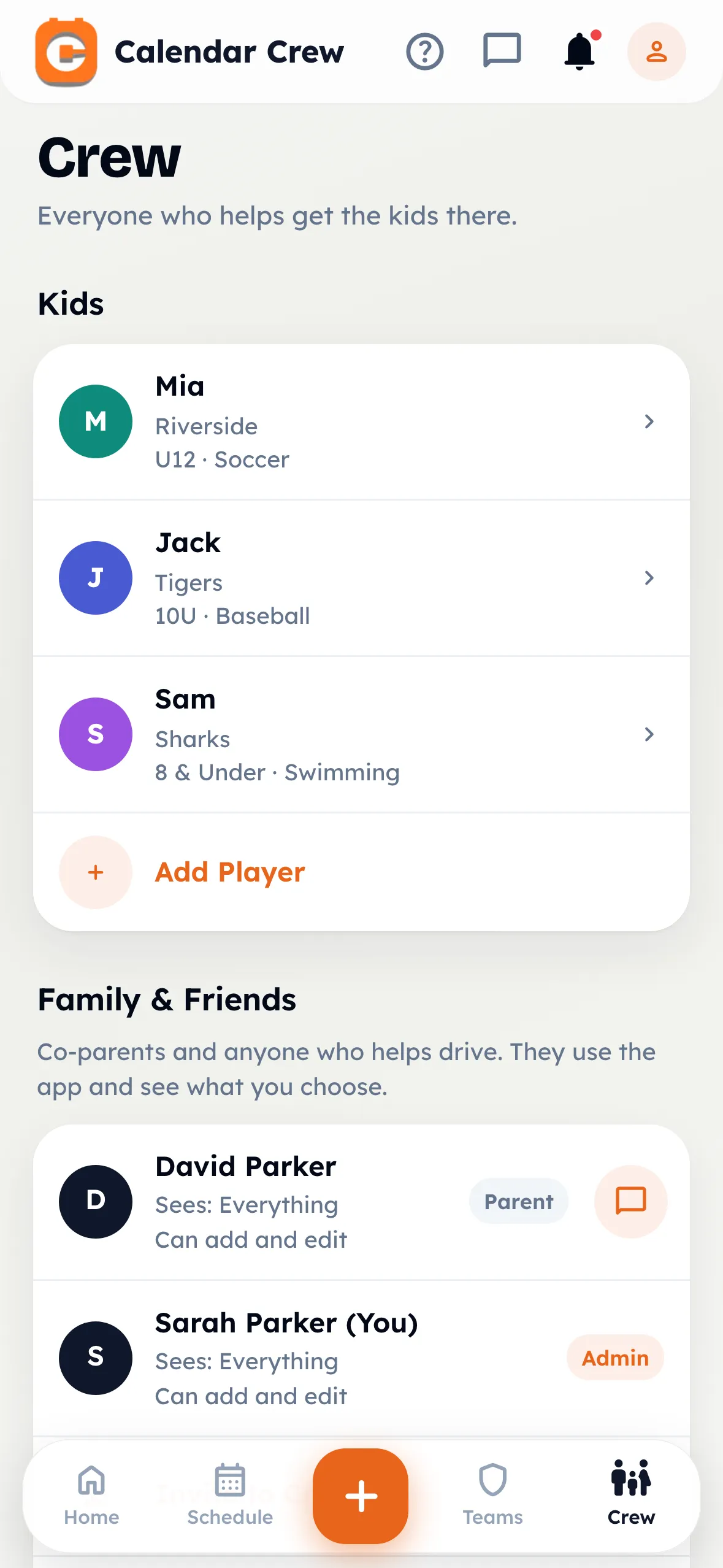
Calendar Crew is built for everyone around your kids, not just you. Co-parents and the people who help drive use the app and see the kids you choose, while grandparents and family friends get a private link with no app or account. When a game moves, everyone sees the change, and nobody has to forward a text.
How It Works
- 1
Invite Your Co-Parent
They see every kid and can add and edit events, just like you.
- 2
Add the Helpers
Sitters, nannies, and carpool friends see only the kids you choose.
- 3
Send Grandma Her Link
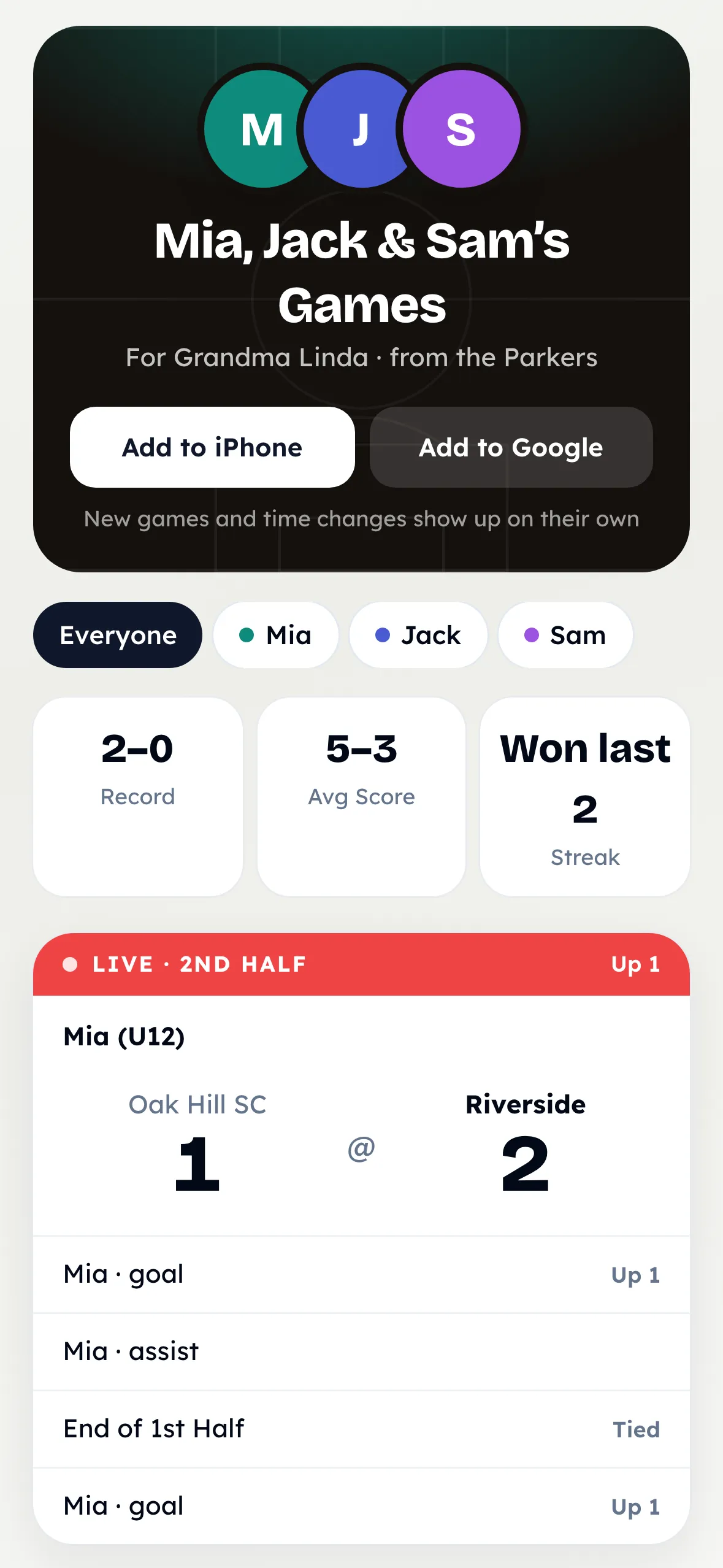
A private link to the games, with no app or account, that she can add to her own calendar.
You Choose Who Sees What
Everyone in your crew sees just the kids you pick, and you decide who can add and edit. Change it whenever you like.
- Co-parents can see and edit everything
- Helpers see only the kids you choose for them
- Up to 6 people in your crew on Free and 10 on Crew Plus, and followers are always free
Grandma’s Link, No App Needed
Grandparents and family friends get a private link showing the kids, games, and details you pick. They can add the games to their iPhone or Google calendar, and new games and time changes show up on their own.
- Live scores on their link while the game is on
- Turn a link off any time, and it stops working right away
Game Day Without the Group Text
Your crew answers Going, Maybe, or Not Going right on the game, claims drop-off and pick-up, and asks questions in the game's own chat.
Your Crew
Common Questions.
Does everyone need the app?
No. Co-parents and helpers use the app. Grandparents and family friends can follow along on a private link with no app, account, or password.
Can a sitter see just one kid?
Yes. Each person in your crew sees only the kids you choose.
What happens if I turn off a link?
It stops working right away, for everyone who has it.
How many people can I share with?
Up to six people in your crew on Free and ten on Crew Plus, not counting teen accounts. Private links for grandparents and friends are unlimited, free, and work on every plan.
Get Your Season on One Calendar.
Join the early-access list and we'll email you the moment a spot opens up.
Free while in early access. No credit card.