
Sync with Google Calendar
Your Kids’ Games in Google Calendar, Automatically.
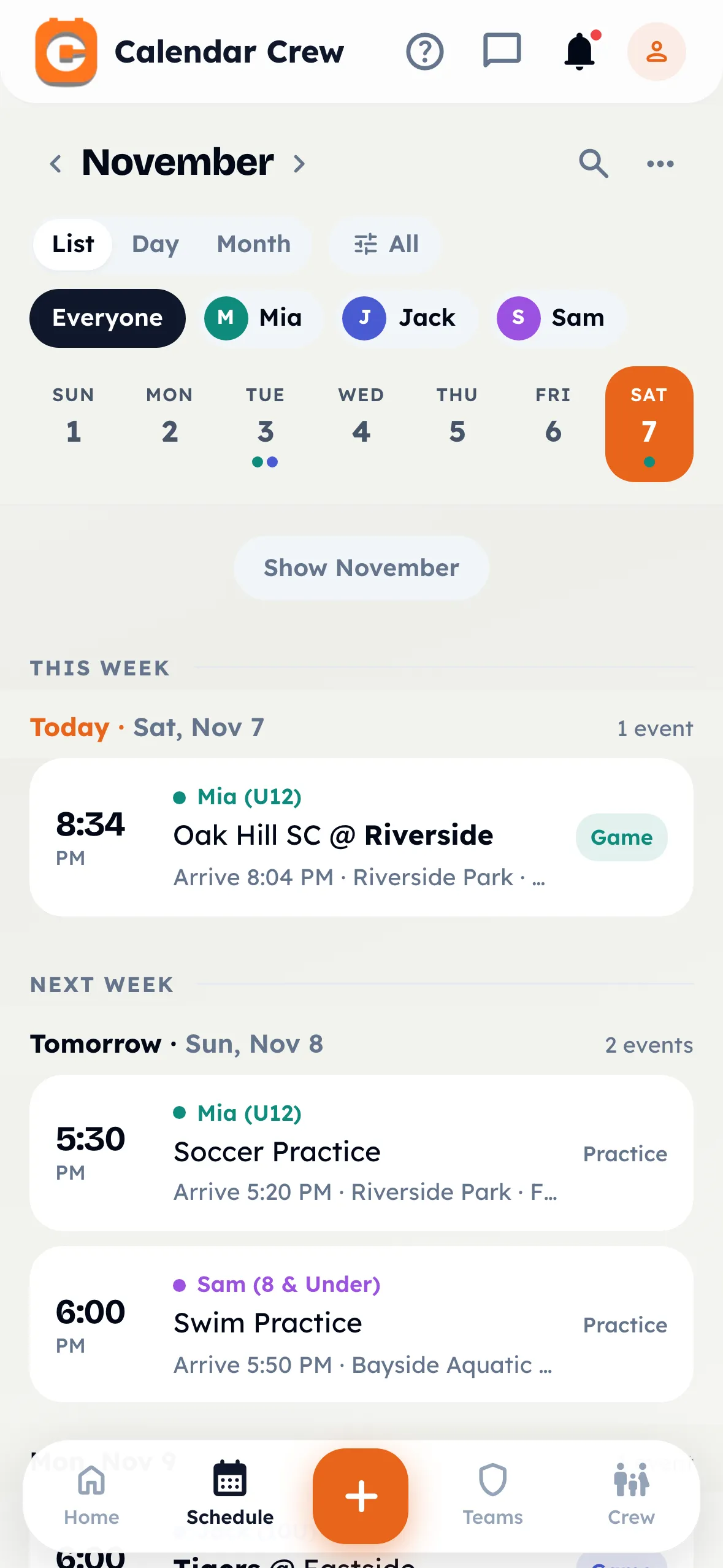
Calendar Crew syncs with Google Calendar in both directions. Every game and practice shows up in Google in a calendar of its own, and your Google events show up in Calendar Crew, so the family schedule and your own day never collide.
How It Works
- 1
Connect Google
In Calendar Crew, go to Settings, choose Calendars & Apps, and connect your Google account.
- 2
Sports Get Their Own Calendar
Games and practices appear in Google in a calendar of their own, so you can show or hide them.
- 3
It Keeps Itself Current
Changes sync every day, or right away when you tap Sync Now.
One Schedule, Wherever You Look
Keep living in Google Calendar if that is where your day is. Calendar Crew fills it with the sports schedule from every team, and brings your Google events in so overlaps get flagged before they become a problem.
- Two-way sync is part of the free plan
- The same game from Google and a team app is shown once, not twice
- Grandparents can add their own link to Google Calendar too, with no account
Google Calendar
Common Questions.
Is Google Calendar sync free?
Yes. Two-way Google Calendar sync is included in the free plan.
Where do the sports events go in Google Calendar?
Into a calendar of their own in your Google account, so you can color them, show them, or hide them like any other calendar.
How often does it sync?
Every day automatically, and right away whenever you tap Sync Now.
Can grandparents get the games in their Google Calendar?
Yes. Send them a private link and they can tap Add to Google. They don’t need an account, and new games and time changes show up on their own.
Get Your Season on One Calendar.
Join the early-access list and we'll email you the moment a spot opens up.
Free while in early access. No credit card.